
Mobile Ordering
Western New England Dining offers mobile ordering through Grubhub! It’s easy and convenient to get your favorite food and use your meal plan or credit card to pay.
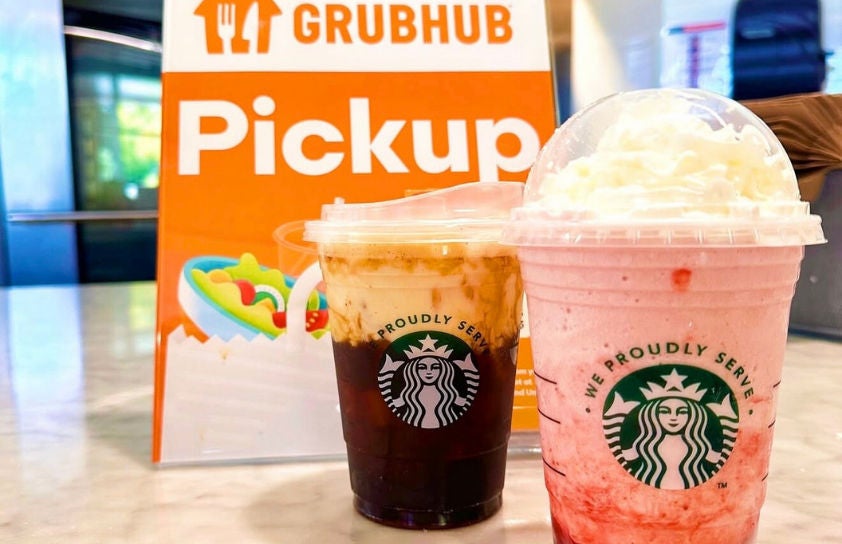
Convenience is always within reach with mobile ordering from your favorite campus dining spots, including Yella’s, Saffron & Spice, Starbucks, and Melo. Sign in to the Grubhub app with your WNE email to unlock mobile pickup and delivery options, including Starship robot delivery to designated campus locations, and follow the directions below to get started.
Order ahead from anywhere at any time, and make the most of your meal plan by paying with your campus card, or use your credit card if you prefer.
Download the App
You can find Grubhub in both the App Store and the Google Play Store
Grubhub 101
Ready to get started?
Get The App
From your device, use either link above and download the app. If you already have Grubhub, no need to download or set up a new account."
Connect To Campus Dining
Tap "Account" and then select "Campus Dining." Next, find us in the drop-down list.
Unlock Exclusive Benefits
Tap "Add your campus card" and log in with your student, faculty or staff credentials.
Start Ordering!
You're all set up to order ahead on campus. Enjoy!